
Seishin
Productivity · Android 6.0+ · com.seishin.app
Your calendar, tasks and notes, with an AI assistant that lives on your phone.
Seishin is an offline-first life manager for Android. Plan your day on a timeline, keep tasks and notes in one place, scan printed schedules with the camera, and ask an AI assistant to add things for you. There is no account and no Seishin server: everything you create stays on your device.
What it does
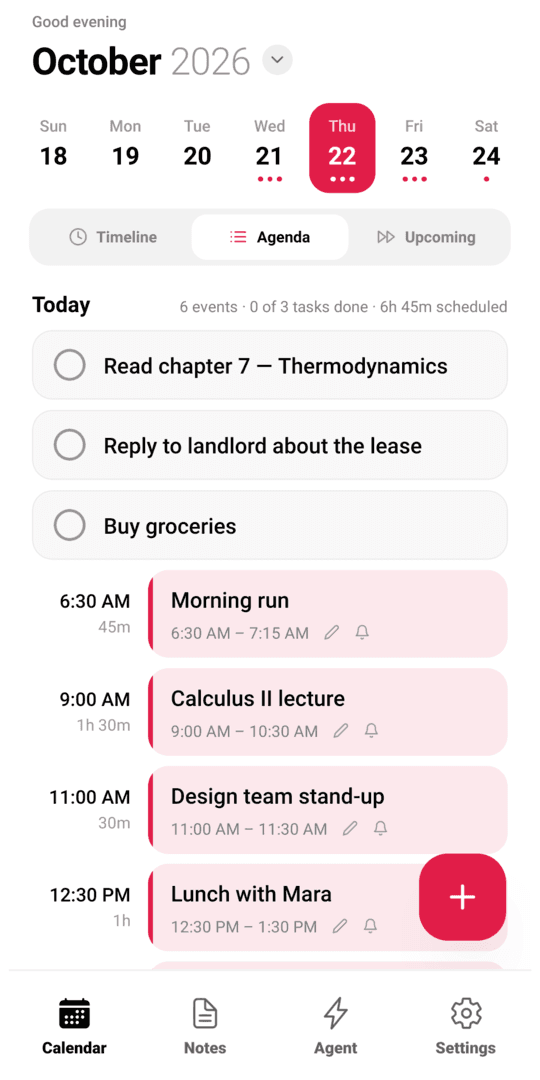
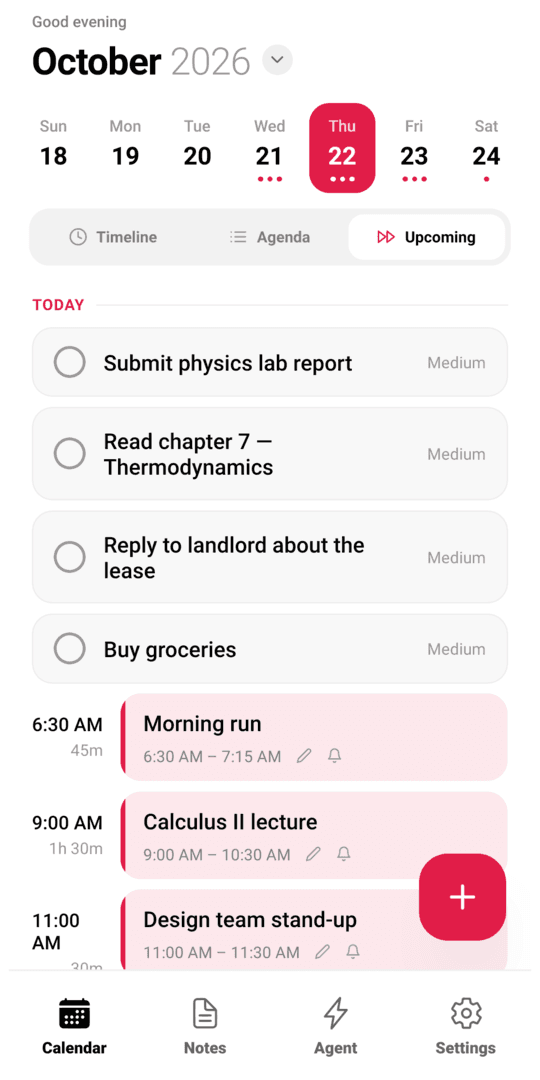
Calendar that thinks in days
Timeline, agenda and upcoming views with recurring events, all-day items and quick add like “Gym tomorrow 6pm for 1h”.
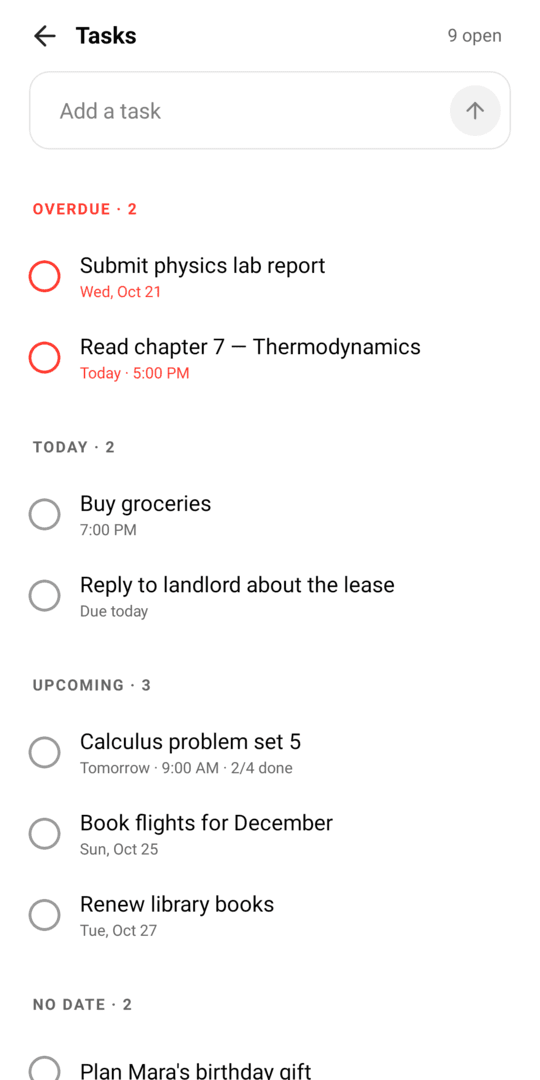
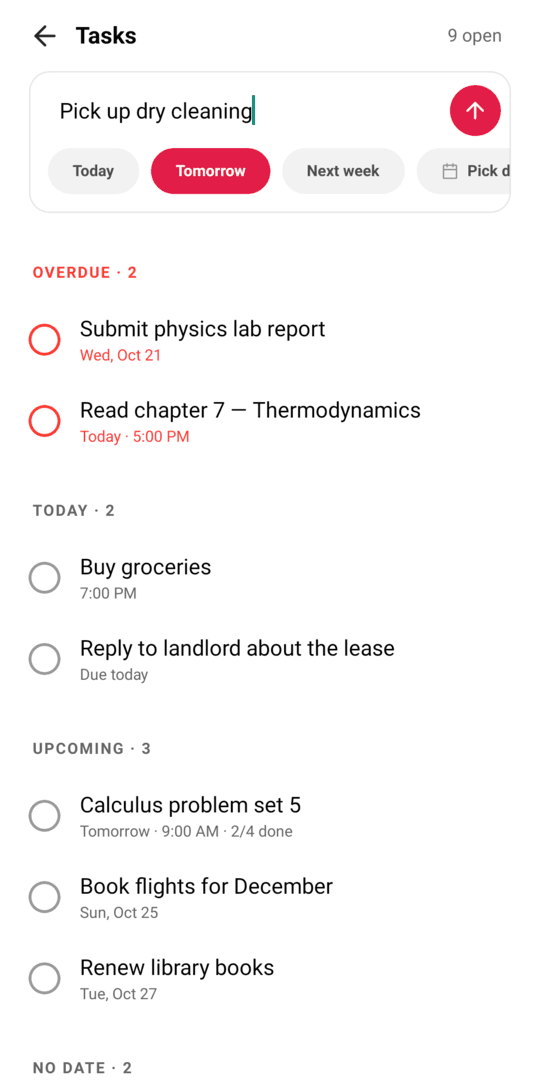
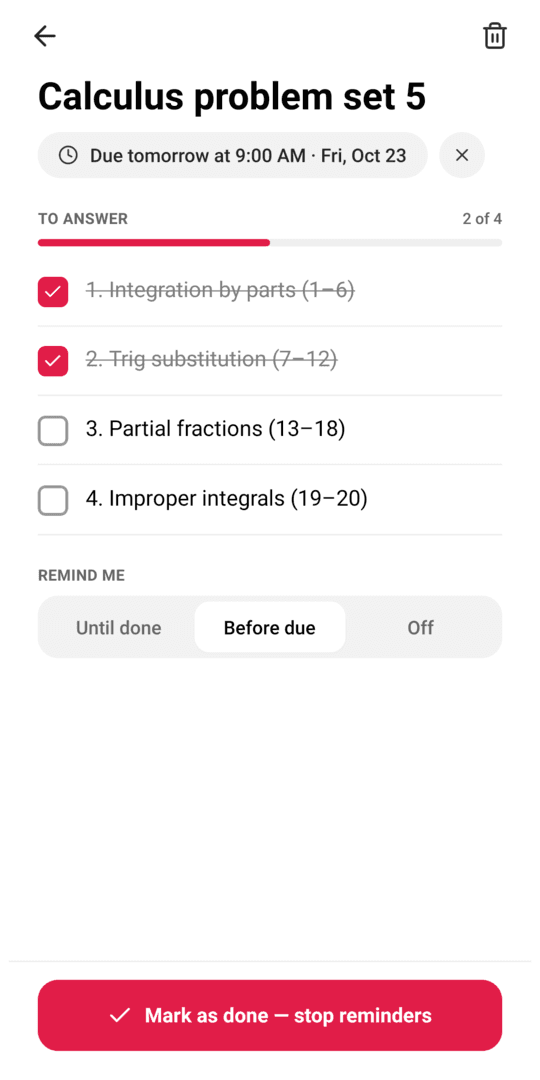
Tasks that won't let you forget
Due dates, priorities and persistent reminders you can mark done or snooze right from the notification.
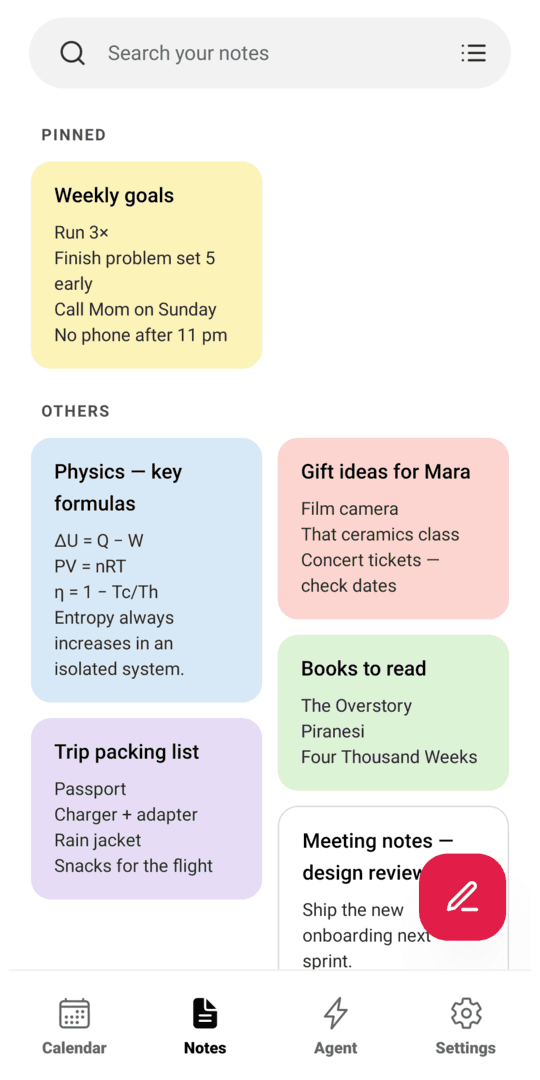
Notes with attachments
Colored notes with photos and files, plus YouTube summaries from a pasted link.
Scan a schedule
Point the camera at a printed timetable or flyer. Text is read on the device and turned into events.
AI assistant, your choice of brain
Run a local model completely offline, or plug in your own NVIDIA NIM key for a cloud model. The assistant can add events, tasks and notes for you.
Widgets and sync
Five home-screen widgets, two-way sync with your phone's calendars, and optional Notion, Todoist and ICS feed connectors.
Privacy at a glance
- Account required
- No
- Data collected by the developer
- None
- Ads
- None
- Analytics or tracking
- None
- Where your data lives
- On your device
- Sent to third parties
- Only services you connect yourself
- Delete everything
- Settings → Factory reset, or uninstall
Why each permission
Camera & photos
Scan schedules and attach images to notes. Only used when you start a scan or pick a photo.
Calendar
Optional two-way sync with the calendars already on your phone (Google, Outlook, Samsung).
Notifications
Show event alarms and task reminders.
Alarms & reminders (exact alarms)
Fire reminders at the exact minute you set, not whenever the system gets around to it.
Run at startup
Re-schedule your reminders after the phone restarts.
Display over other apps
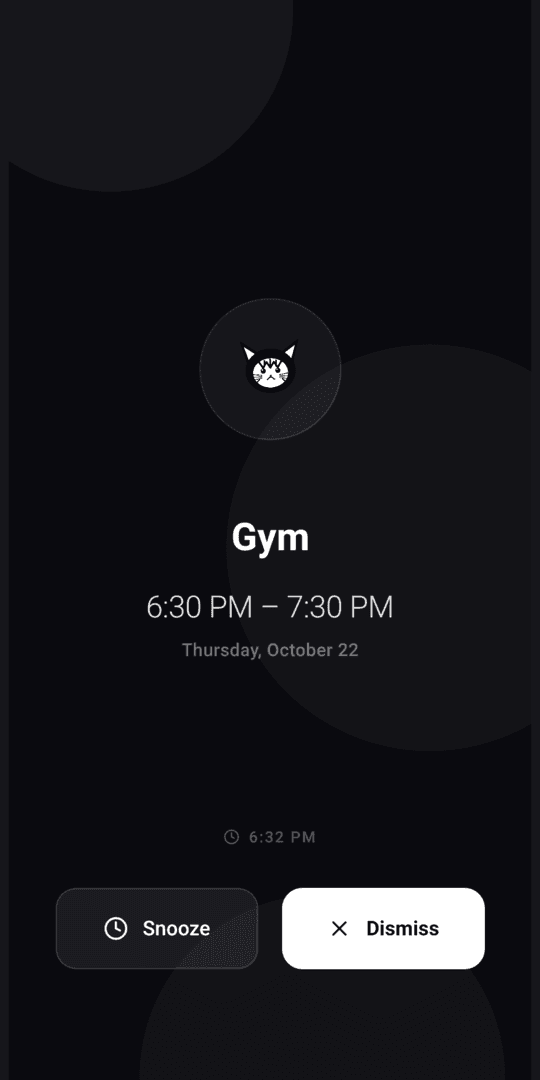
Show the full-screen alarm when an event starts.
Notification access (optional)
If you turn it on, Seishin reads incoming notifications so it can suggest events from them. Off by default.
Internet
Only for features you turn on: cloud AI, connectors, calendar feeds and YouTube summaries.
Need help?
Found a bug, have a feature idea or a question about your data? Email me and include your phone model, Android version and the app version from Settings. I usually reply within a few days.
Email supportrichiechristiandeguzman11@gmail.com
Developer: Richie Christian De Guzman · Antipolo, Rizal, Philippines